
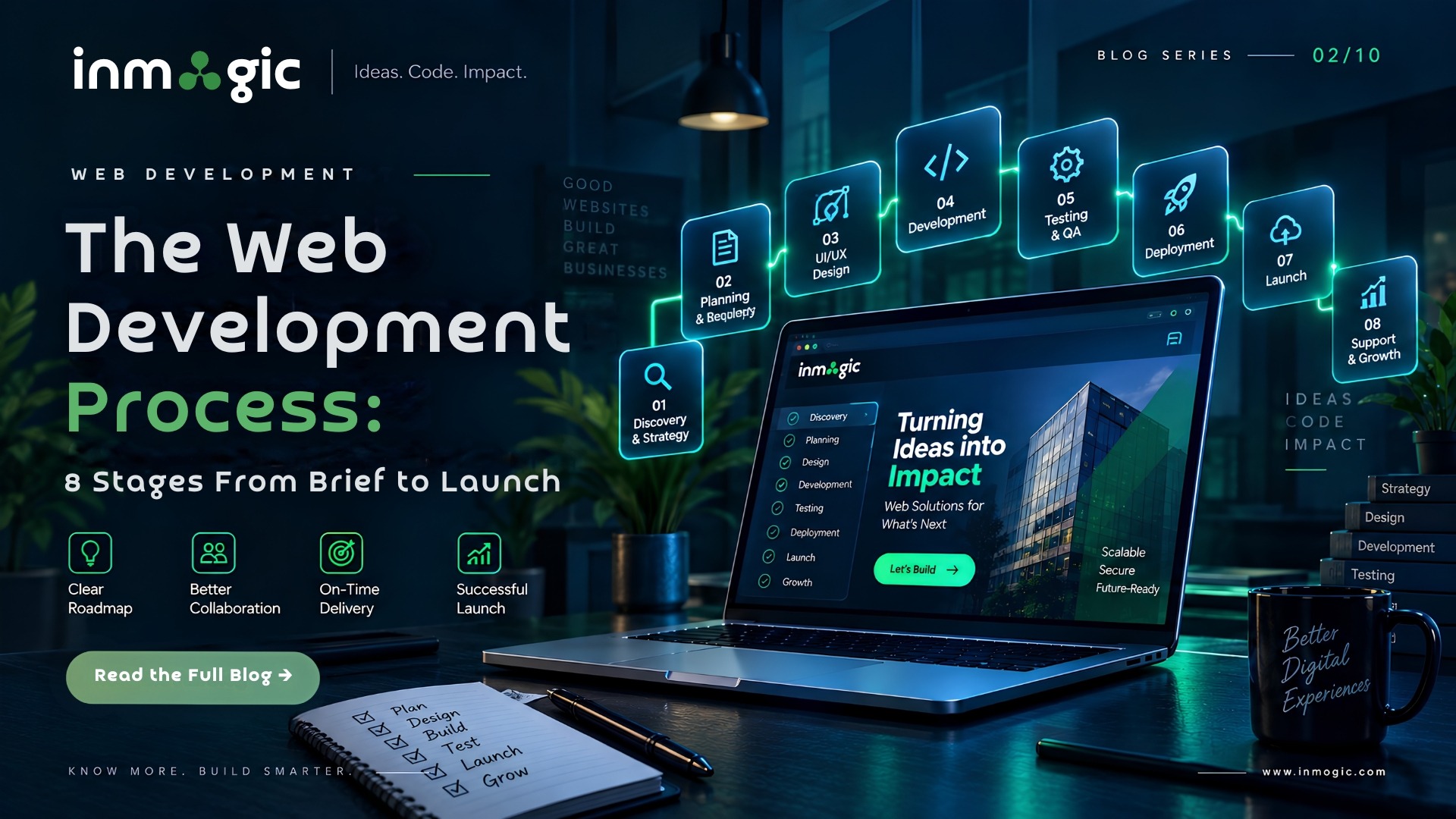
Answer first: A professional web development project runs through eight stages — discovery, architecture, design, development, integration, testing, launch and support. A standard business website takes four to eight weeks end to end. The stages themselves rarely cause delays. What causes delays is content and approvals, which is why the sections below are honest about what you will be asked for and when.
Stage 1: Discovery and Requirement Planning
Before anyone designs anything, the team needs to know what the site has to achieve and for whom. That means the business goal, the audiences, the pages required, the systems it must connect to, and the constraints regulatory, brand and technical. Understanding website development cost early can also help define a realistic scope and budget.
What you will be asked for: access to whoever owns the decision, examples of sites you rate and why, and an honest account of what is wrong with the current site.
Typical duration: three to seven days.
A discovery stage that finishes in an hour is a warning sign. Most expensive mid-project changes trace back to something nobody asked about in week one.
Stage 2: Architecture and Technology Planning
This is where the sitemap, URL structure, technology stack and hosting environment are decided. It is unglamorous, but it determines almost everything downstream: whether the site can be extended, whether it can be migrated later, and whether search engines can crawl it sensibly.
What gets decided: frontend framework or CMS development, backend and database, hosting, URL patterns, and the redirect map if an existing site is being replaced.
Typical duration: two to five days.
A well-planned architecture also makes future updates easier. Choosing the right CMS, hosting environment and URL structure at this stage can prevent expensive technical changes later.
Stage 3: UI/UX Design and Prototyping
Wireframes come first, followed by visual design, usually in Figma. UI/UX design helps turn the initial requirements into a clear structure and clickable prototype before development begins.
You should be reviewing clickable prototypes rather than static images, because a static image cannot show you what happens when a menu opens on a phone.
What you will be asked for: brand assets and consolidated feedback.
The single biggest cause of design-stage delay is feedback arriving in fragments from different people over three weeks. Collect it, resolve internal disagreements first, then send one set of feedback.
Typical duration: one to three weeks.
Stage 4: Development and Coding
The approved designs become working code — templates, components, CMS structures, forms and the admin experience your team will use.
Good practice here is often invisible to you, but it decides your next three years: modular components, version control and code another developer can pick up.
Many teams now use AI coding assistants at this stage. Used well, they can speed up routine work considerably. The thing worth asking is whether a senior engineer reviews the output before it merges, because that is the difference between faster delivery and faster accumulation of problems.
Typical duration: two to six weeks, depending on scope.
Stage 5: Integrations and Data Flow
Payment gateways, CRM, WhatsApp API, booking engines, analytics and email are all common website integrations. Each one is a separate connection with its own credentials, failure modes and testing requirements.
What you will be asked for: account access and API credentials.
This is where projects can stall because the required credentials may sit with someone who is unavailable or on leave. Gathering them during the discovery stage can prevent unnecessary delays later.
Typical duration: three days to two weeks.
Stage 6: QA, Security and Performance Testing
Testing is not one activity. It includes functional testing — does everything work — as well as cross-browser and cross-device testing, performance testing and security testing.
Performance testing should answer an important question: is the website fast on a real phone and a real network, not just on a developer’s computer?
Security checks should also cover areas such as form validation, injection risks and exposed endpoints.
Ask specifically which devices were tested on. “Responsive” checked in a browser’s device emulator is not the same as opened on an actual mid-range Android handset, and in the Indian market that difference can matter for a large share of your traffic.
Typical duration: one to two weeks.
Stage 7: Launch and Core Web Vitals Optimisation
Going live is a checklist, not a button.
Before launch, the team should verify:
- DNS and SSL
- Redirects from old URLs
- Analytics tracking
- Google Search Console verification
- XML sitemap submission
- Caching and CDN configuration
- Robots.txt and indexing settings
- Final website crawl
- Core Web Vitals and page performance
If an existing site is being replaced, the redirect map is one of the most important artefacts of the entire project. Getting it wrong can cause businesses to lose search visibility they spent years building.
Typical duration: two to four days, plus a monitoring window.
Stage 8: Support, Maintenance and Continuous Improvement
A website is not finished at launch; it is only started.
After launch, websites require security patches, platform updates, performance monitoring, backups and changes based on what real users actually do on the site.
What to agree before launch: who handles updates, how quickly issues are responded to, who your named contact is and what a change costs.
Agreeing this after something breaks is a much worse conversation.
A clear post-launch maintenance plan ensures that the website remains secure, fast and useful as the business grows.
Where Projects Actually Slip
In our experience, the eight stages run close to estimate. The slippage comes from three places, all of them on the client side and all avoidable. Working with an experienced web development services provider can help identify these risks early and keep the project moving.
1. Content
Copy, images and product data often arrive late or incomplete. Assign an owner and a deadline for all content during the first week of the project.
2. Approval Bottlenecks
Feedback can easily become fragmented when multiple stakeholders are involved. Nominate one person to consolidate feedback and provide final approval.
3. Credentials
API keys, hosting logins, domain registrar access and other credentials can take weeks to obtain if they are not requested early.
Collect the required credentials during discovery wherever possible.
A development company that flags these issues at kickoff rather than at the point of delay is telling you something useful about how they run projects.
FAQs
A standard business website takes four to eight weeks from signed scope to launch. Larger builds with custom modules, multiple integrations or several languages typically run eight to sixteen weeks. Web applications are scoped individually. The stages themselves rarely cause overruns — content and approvals usually do.
The main stages are discovery and requirement planning, architecture and technology planning, UI/UX design and prototyping, development and coding, integrations and data flow, QA and security testing, launch and performance optimisation, followed by ongoing support and improvement.
You should provide brand assets, finished copy and images or a decision on who will create them, API and hosting credentials, and consolidated feedback at each review point from one nominated decision-maker. These factors can have a significant impact on the project timeline.
After launch, the website may require security patching, platform and plugin updates, performance monitoring, backups, content changes and iterative improvements based on real user behaviour. Agree who owns these responsibilities, the response time and the cost before launch rather than after something breaks.
The most common causes are late content, delayed approvals, missing credentials and changes to the original scope. Establishing responsibilities, deadlines and approval processes during discovery can significantly reduce delays.
Testing helps identify broken links, form errors, responsive design issues, browser compatibility problems, performance issues and potential security weaknesses before users encounter them. Testing on real devices and networks can also reveal issues that may not appear in a desktop browser.
Before launch, check DNS and SSL, redirects, analytics, Google Search Console, sitemap submission, robots.txt, indexing settings, forms, integrations, broken links, mobile usability, page speed, Core Web Vitals and security.
No. Launch is the beginning of ongoing website management. Regular maintenance, security updates, backups, performance monitoring, content updates and improvements based on user behaviour help keep a website secure and effective over time.