
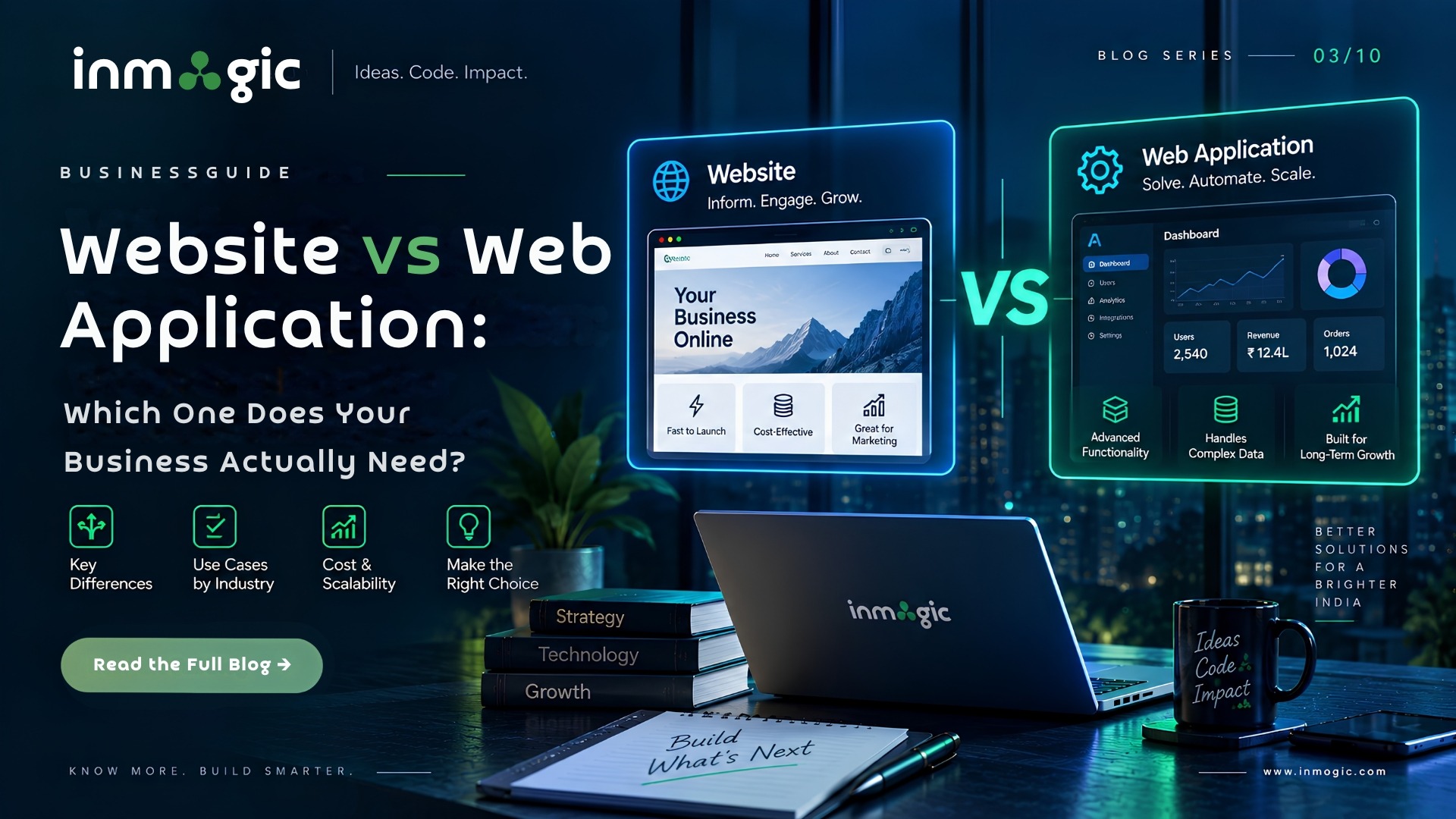
Answer first: A website presents information and captures enquiries. A web application does work — it stores data, has user logins, enforces rules and produces something. A hotel’s public site is a website; its booking engine is a web application. Most businesses need both, and the reason this distinction matters commercially is that quoting one when you needed the other is the most common cause of a project doubling in cost halfway through.
| Website | Web Application |
|---|---|
| What it does: Presents information, captures enquiries | What it does: Performs tasks, processes and stores data |
| User accounts: Rarely | User accounts: Almost always, with roles and permissions |
| Data: Content managed by your team | Data: Live data created and changed by users |
| Complexity: Templates and content | Complexity: Business logic, database design, state management |
| Typical build: 4–10 weeks | Typical build: 12–24 weeks and beyond |
| Testing: Functional and cross-device | Testing: Plus permissions, edge cases, data integrity, load |
| After launch: Content updates, patching | After launch: Ongoing releases — it is a product, not a project |
The simplest way to understand the difference is this: a website mainly helps people learn about your business, while a web application helps people do something.
If your requirement involves web application development, user accounts, live data, workflows or automated processes, it should be planned as an application rather than treated as a standard website.
How to Tell Which One You Are Describing
Read your own requirement back and look for these words. They are reliable signals.
You Are Describing a Website If…
- The content changes occasionally and only your team changes it.
- Visitors read, browse and then contact you.
- There are no logins, or only an admin login for editing content.
- Success is measured in enquiries, calls or form submissions.
- The main purpose is to showcase your company, services, products or information.
You Are Describing a Web Application If…
- Users log in and see something different from each other.
- The system needs to remember state — a booking, an order, a submitted application or a progress bar.
- There are rules involving approvals, permissions, availability, limits or workflows.
- Two people using it at the same time could conflict.
- You find yourself saying, “and then it should automatically…”
That last one is the strongest signal in the list.
The moment a requirement contains the word “automatically”, you may have left website territory and entered web application territory.
| Requirement | Which One? | Why? |
|---|---|---|
| Company profile with services and contact form | Website | Presents information and captures enquiries |
| School site with an online admission form | Website with a form | Unless applicants log back in to track status — then it becomes an application |
| Hotel site where guests check live availability and pay | Web Application | Real-time inventory, transactions and state |
| Clinic site where patients book and reschedule appointments | Web Application | User accounts, calendar logic and notifications |
| Product catalogue with prices and enquiry by WhatsApp | Website | No transaction and no complex user state |
| Online store with cart, payment and order tracking | Web Application (eCommerce) | Transactions, inventory and order lifecycle |
| Dealer portal where distributors place and track orders | Web Application | Roles, permissions and live data |
For businesses that need online stores with transactions, inventory and order management, eCommerce development requires a more application-oriented approach than a simple product catalogue website.
Why Getting This Wrong Is Expensive
The classic failure runs like this.
A business asks for “a website with a booking form.” It is quoted and built as a website. Three weeks before launch, someone asks whether customers can log in and see their past bookings and whether the system should stop double-bookings.
Those two questions require:
- User accounts
- A database designed around bookings
- Availability logic
- Conflict handling
- Booking status management
- Additional security
- A much larger testing process
The work is not simply an add-on to the website — it is a different type of build.
At that point, you are either paying twice or launching something that does only half of what the business actually needed.
The fix is cheap and takes one conversation: before anyone quotes, walk through what a user does from start to finish, out loud, including the unhappy paths.
If any step requires the system to remember, decide or enforce something, say so at the start.
Understanding the web development process before development begins can also help businesses identify requirements, technical dependencies and potential scope changes before the project is quoted.
Can One Project Be Both?
Usually, yes — and usually it should be.
The most common sensible architecture is a fast, search-optimised public website that handles marketing and discovery, with a web application behind a login handling the actual work.
They can share a design language and often a domain, but they are built and tested differently.
A good web development company should therefore scope the public website and application requirements separately, while managing them under one overall project plan.
For example:
Public website → Services, company information, resources, SEO content, contact forms and lead generation.
Web application → Login, dashboards, bookings, orders, workflows, user data and business logic.
Building them as one undifferentiated thing can produce a public website that is too slow or complicated to rank effectively and an application that is too rigid to extend.
What This Means for Your Budget
A website is usually a project with a defined launch point.
A web application is different. It is a product with a roadmap.
It will typically need:
- New feature releases
- Security updates
- Bug fixes
- Performance improvements
- Database maintenance
- User feedback improvements
- Ongoing testing
- Future integrations
Therefore, the budget should reflect a first version rather than a supposedly finished product.
If a proposal for a web application does not mention what happens after version one, that is worth asking about before you sign.
The initial development cost is only one part of the total investment. The long-term cost can also include hosting, maintenance, security, third-party integrations and future feature development.
Final Takeaway
The difference between a website and a web application is not simply how complicated the design looks.
A website communicates.
A web application performs work.
If visitors mainly need to read information, explore your services and contact your business, a website may be enough. If users need to log in, submit and track information, make bookings, place orders or trigger automated processes, you are likely looking at a web application.
And if you need both, plan for both from the beginning. Clear scoping before development starts can prevent major cost increases, delays and rebuilding later.
Frequently Asked Questions (FAQs)
A website presents information and captures enquiries; visitors read and then contact you. A web application performs tasks — it has user logins, stores and changes live data, and enforces rules like availability, permissions or approvals. A hotel's public site is a website; its booking engine is a web application.
An eCommerce store is generally a web application because carts, inventory, payment processing and order lifecycles require live data, state and business logic. It is often built on an eCommerce platform rather than completely from scratch, but architecturally it behaves as an application.
Frequently, yes.
The common pattern is a fast, search-optimised public website for marketing and discovery, with a web application behind a login for the actual work. They should share a design language but be scoped as two workstreams.
Web applications generally cost substantially more than standard business websites.
A business website may typically take around four to ten weeks, while a web application can take twelve to twenty-four weeks or longer depending on its functionality.
The difference comes from business logic, database design, permissions, integrations and a much larger testing surface.
Look for the word "automatically" in your own description, and look for anything the system must remember, decide or enforce.
Logins, approvals, availability, limits, workflows, dashboards, transactions and user-specific data are all strong indicators that your requirement is an application rather than a standard website.