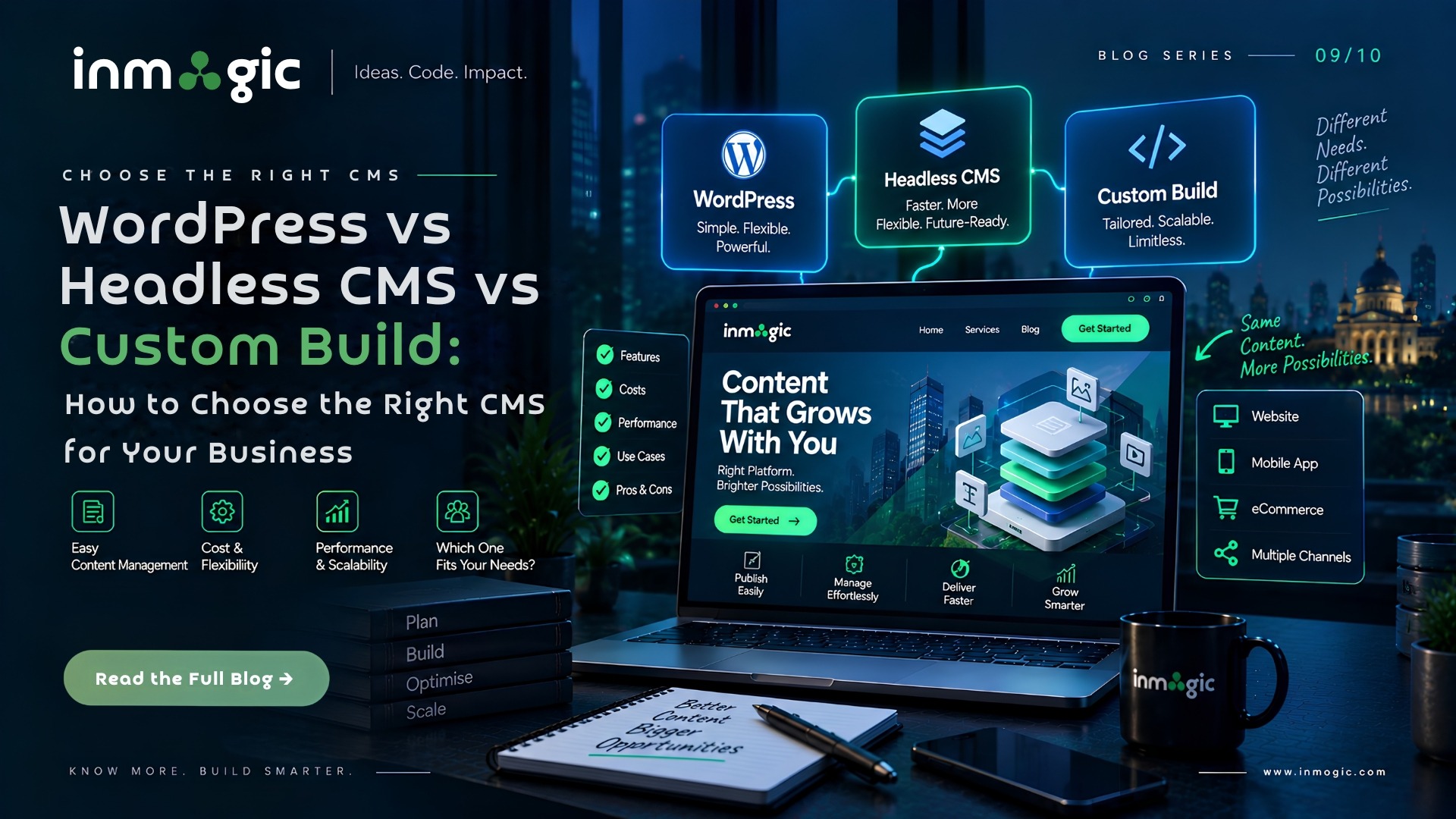
WordPress suits content-led sites where non-technical staff publish frequently and budget matters. A headless CMS suits businesses that need the same content across a website, an app and other channels, or that need frontend performance a traditional CMS cannot reach. A fully custom admin suits systems where content is really structured business data. Most Indian businesses are correctly served by WordPress – and the ones who are not usually know why.
| Comparison | WordPress | Headless CMS | Custom Admin |
|---|---|---|---|
| Build cost | Lowest | Medium to high | Highest |
| Time to launch | 3 - 8 weeks | 8 - 16 weeks | 12 weeks+ |
| Editor experience | Familiar, visual | Structured, preview needs building | Purpose-built |
| Frontend performance | Needs deliberate work | Excellent by default | Depends on build |
| Multi-channel | Difficult | Native | Possible by design |
| Security burden | High - patch constantly | Lower | Yours entirely |
| Developer availability | Very high | Moderate | Depends on the stack |
| Best for | Content-led business sites | Multi-channel, performance-critical | Structured business data |
The three options in plain terms
Traditional CMS – WordPress and similar
Content and presentation live together. You edit a page and see roughly what visitors will see. WordPress runs a very large share of the web, which means abundant developers, plugins for most needs, and low switching cost if you change agency.
Strengths: fast to build, cheap to staff, familiar to editors, huge plugin ecosystem, good for blog-led SEO.
Weaknesses: performance requires deliberate work, plugin sprawl creates a security surface, and the same coupling that makes editing intuitive makes deep frontend customisation harder.
Headless CMS
Content lives in one system and is delivered by API to whatever consumes it – a website, a mobile app, a kiosk, a partner feed. The frontend is built separately, usually with React or Next.js.
Strengths: excellent frontend performance, one content source for many channels, no theme constraints, smaller security surface.
Weaknesses: more expensive to build, requires developers who work in this way, and editors lose true visual preview unless it is deliberately built – which is a real change to how a marketing team works.
Custom admin panel
A custom admin panel gives businesses greater control over complex data and workflows. When standard CMS options are not flexible enough, website development can help create an admin interface tailored to your specific business requirements.
Strengths: exactly fits your data model, no irrelevant features, integrates directly with your systems.
Weaknesses: highest cost, you own all maintenance, and you depend on whoever built it unless the code is genuinely clean and documented.
When WordPress is still the right answer
There is a fashion for dismissing WordPress. For a large share of Indian businesses it remains the correct choice, and the reasons are practical rather than sentimental.
- Your team publishes regularly and needs to do it without a developer
- Blog-led organic traffic is part of the plan
- You need to launch in weeks, not months
- Budget is finite and better spent on content and marketing than on architecture
- You want the freedom to change agency without rebuilding
The caveat is that WordPress done properly and WordPress done cheaply look identical on day one and completely different in year two. Properly means a limited, audited plugin set, a performance budget, managed hosting, automated backups and a patching schedule someone actually owns.
There is a fashion for dismissing WordPress. For a large share of Indian businesses, it remains the correct choice, and the reasons are practical rather than sentimental. However, the right choice depends on your business requirements, budget, and long-term goals. Our guide on custom web development vs templates explains when a custom-built website makes more sense than relying on pre-built solutions.
When headless earns its cost
- The same content must appear on a website and a mobile app
- Frontend performance is commercially material – a slow page costs measurable revenue
- You have multiple brands or regions sharing a content pool
- Your frontend needs interactivity a theme cannot deliver
- Security and compliance make a large plugin surface unacceptable
If none of these apply, headless is likely to cost more than it returns.
The question people forget
Who publishes, and how often?
This single question decides more than the technology comparison does. A system that publishes daily needs a fast, forgiving editor experience. A system that changes twice a year can tolerate a more structured, less visual interface in exchange for other benefits.
Teams routinely choose an architecture on technical merit and then discover their marketing team will not use it. The result is a beautiful site nobody updates – which is worse, commercially, than an ordinary site that is kept current.
Migrating between them
Moving CMS is not primarily a technical exercise – it is a content and URL exercise. Content must be restructured into the new model, URLs mapped and redirected, media re-linked, and rankings protected. Budget for content migration as a workstream in its own right rather than assuming it is included.
The most common failure is treating migration as an export-import. Content models rarely map cleanly, and the difference has to be resolved by a person who understands the content, not just the database.